How to Choose a Mobile Live-Streaming Platform
The best mobile live-streaming platform is the one that streams reliably on your phone, keeps navigation and payments clear, protects your privacy, and remains comfortable during longer sessions. Before choosing, test the mobile website for free, inspect security and notification settings, and compare browser access with any available app. A famous name matters less than a smooth, understandable experience on your device and connection.
Start with the mobile experience
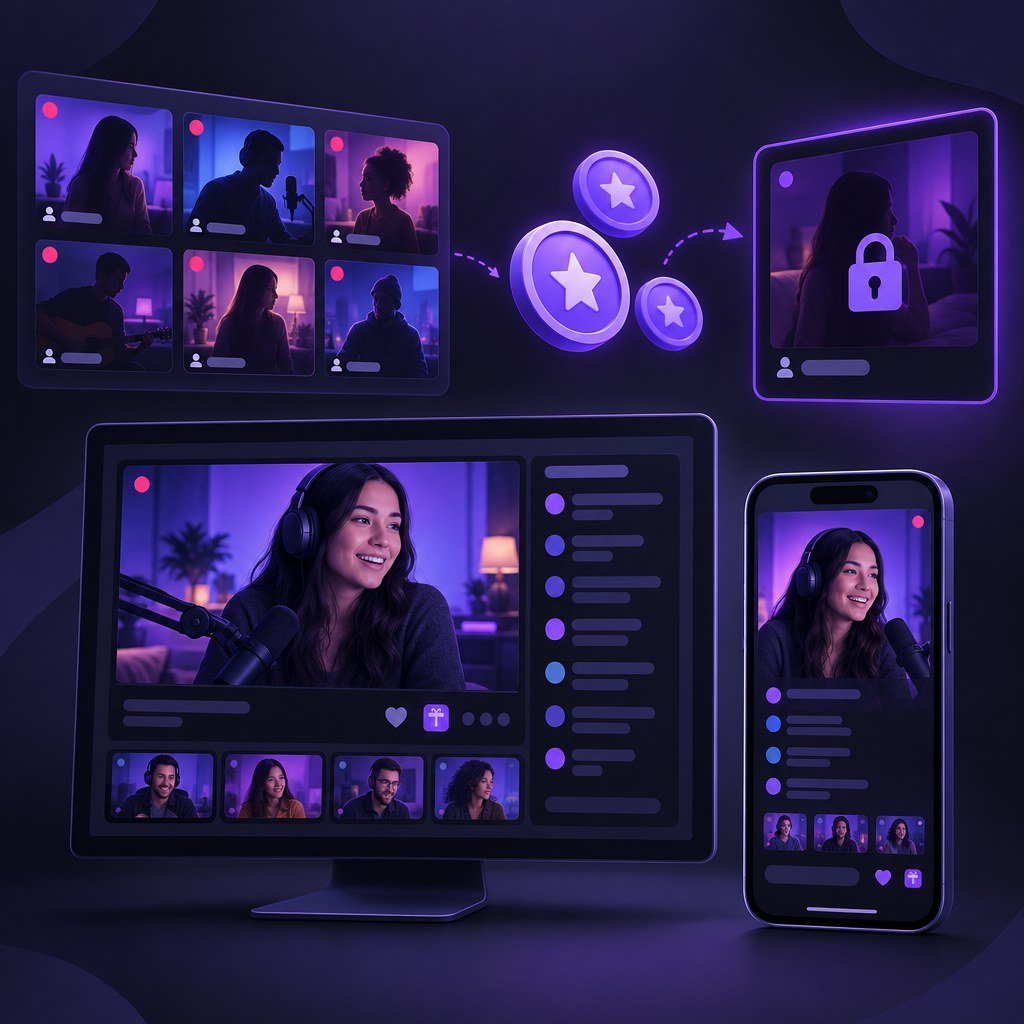
A platform is not genuinely mobile-friendly merely because it opens in a phone browser. Pages should load promptly, adapt without horizontal scrolling, and provide readable room listings, menus, chat, tipping controls, and account tools without constant zooming. Move between several streams and categories. If controls overlap video, the keyboard hides chat, or important actions require precision tapping, expect frustration later.
Browser or app?
Browser access avoids installation and may reduce notification exposure, while an app can offer convenient sign-in or alerts. Do not assume either option is better. Check permissions, update history, storage demands, and whether the browser version retains essential controls. On shared devices, a browser’s private mode may limit local history, but it does not make activity anonymous to networks, accounts, or payment providers.
Compare the factors that affect daily use
Security, payment clarity, and privacy
Use a unique password, enable two-factor authentication if offered, and confirm that sign-out is easy to find. Never reuse credentials from email or banking accounts. Review profile visibility and saved payment methods, especially on a shared phone. Legitimate checkout screens should show what you receive, the total charge, whether billing repeats, and how transaction descriptions may appear.
Account for connection, data, and battery
Live video is demanding. Test on both Wi-Fi and mobile data where appropriate, because performance can change with signal strength and network congestion. Look for manual quality selection or adaptive streaming rather than assuming the highest resolution is best. Lower quality may be preferable when travelling, using a limited data plan, or preserving battery.
For longer viewing, reduce screen brightness, close other video-heavy tabs, and keep the phone ventilated while charging. Heat, rapid battery drain, repeated buffering, or audio that continues after leaving a room are practical warning signs. Recheck performance after browser, operating-system, or platform updates.
How leading platforms fit different preferences
The original options remain useful starting points, but they suit different priorities rather than forming a universal ranking.
- Stripchat: A strong starting point for users who value modern mobile navigation, readable layouts, and an easy flow between categories, performer pages, and account actions. Read the full Stripchat review.
- Chaturbate: Suits users prioritizing broad free public browsing and quick room switching. Its interface may feel more utilitarian than newer designs, so test comfort on your screen. Compare Stripchat vs Chaturbate.
- LiveJasmin: Targets a more polished, premium-style experience, particularly for presentation and private interaction. Check its payment flow and mobile controls against your expectations. Compare the leading live cam options.
A quick pre-payment checklist
- Open several rooms and change video quality.
- Send a chat message and dismiss the keyboard.
- Find privacy, notification, security, and sign-out controls.
- Check permissions, autoplay, orientation, captions, and zoom.
- Read the full payment summary before confirming anything.
- Test during the conditions you normally use.
- Confirm support and account-deletion routes are visible.
Choose with your phone, not a reputation
Start by testing free browsing on two or three platforms using your usual device, connection, and privacy settings. Choose the service that makes streams, controls, costs, and account options easiest to understand. For many users, Stripchat is a sensible all-around starting point; Chaturbate emphasizes public variety, while LiveJasmin offers a more premium presentation. Your own mobile test should make the final decision.